Factory provisioning
Audience: Redd Ash / integrator staff preparing a node before it ships to a site. Time: ~15 minutes of touch time per node.
The goal of factory provisioning: a box leaves the bench such that the on-site installer only has to plug it in and type one code.
1. Pre-load the node in the portal
In the console, open Nodes → Pre-load node. Enter the serial number and (optionally) a human-friendly site code — if you leave it blank, one is derived from the serial.
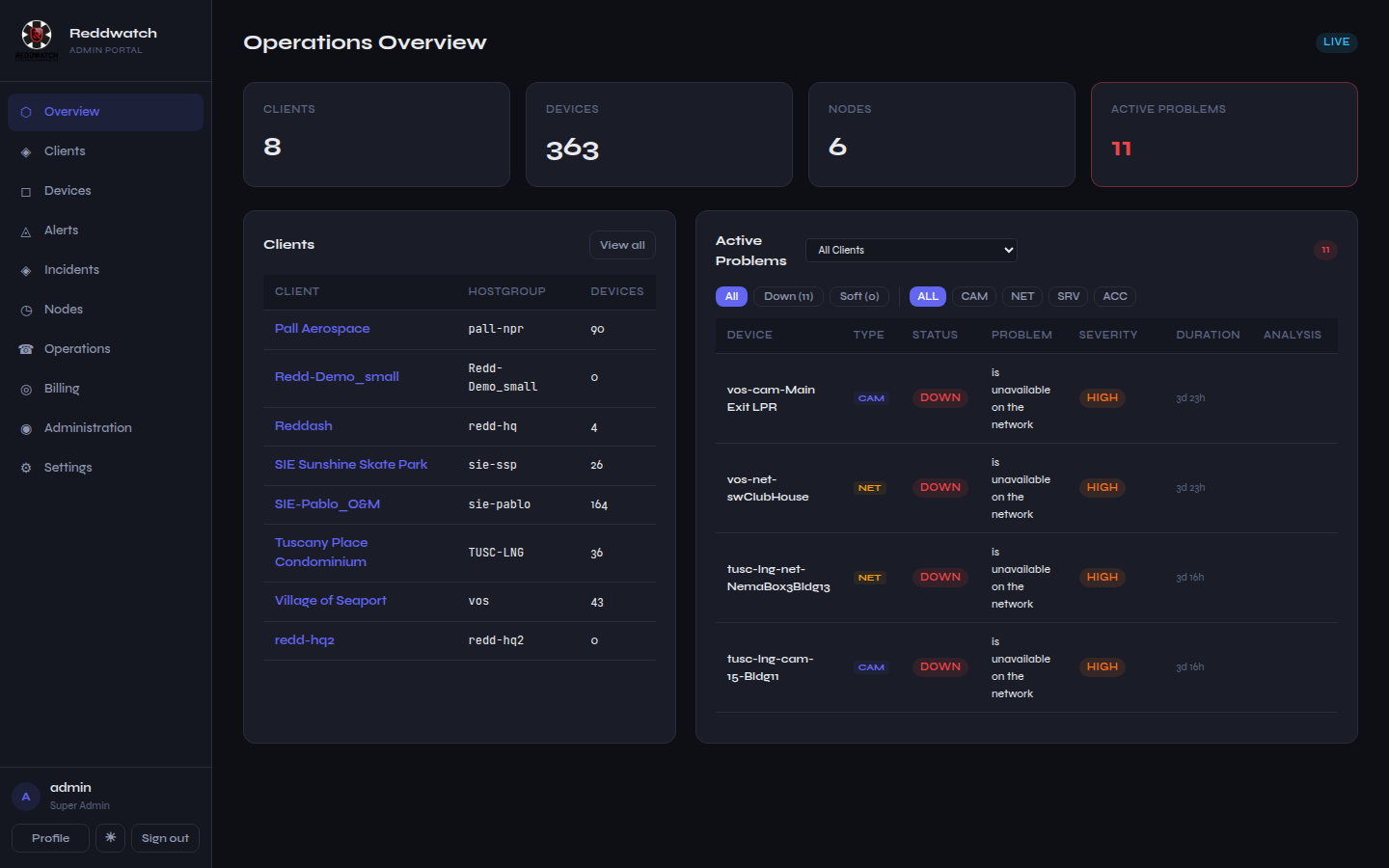 The node fleet page. Pre-load registers hardware into inventory before it
ever boots.
The node fleet page. Pre-load registers hardware into inventory before it
ever boots.
The portal responds with the site code and a first-boot link pre-filled with the server coordinates. Print or note the site code — it is what the installer types on site, and it appears exactly once.
The site code is the credential
Treat the site code like a key until the node is commissioned: whoever has it can register a node against that site. Don't email it alongside the shipping label.
2. Flash the image
Write the current Reddwatch Node ISO to the appliance (USB boot → guided install). The image is self-contained: agent, local UI, monitoring proxy, frame collector, trap receiver, and the updater are all baked in — the node needs no internet-time package installs at the site.
3. Bench test
Boot the node on the bench network and open its local UI
(http://<bench-ip>:5000):
- The first-boot wizard appears. Feed it the first-boot link (or type the site code) and confirm the server URL is pre-filled.
- Watch the wizard reach "Registered — awaiting site network".
- Open the Node info tab and verify every service shows green.
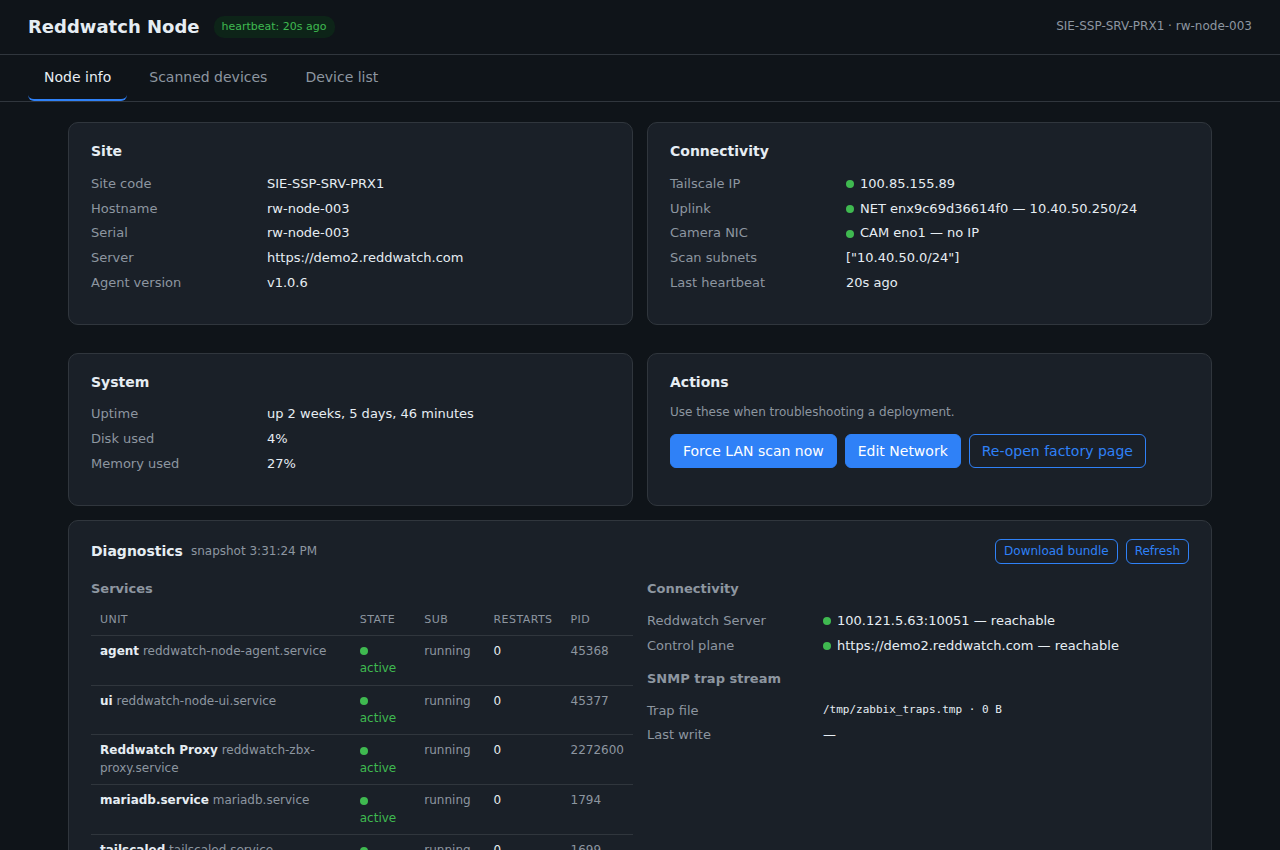 What a healthy node looks like. Every service active, heartbeat fresh,
control plane reachable.
What a healthy node looks like. Every service active, heartbeat fresh,
control plane reachable.
4. Ship it
Power off, box it, ship it with the printed site code on a separate channel. The node appears in the portal's fleet page as inventory until it comes alive on site.
Checklist
- [ ] Pre-loaded in portal, site code recorded
- [ ] Current ISO flashed, boots clean
- [ ] Wizard completes against production
- [ ] All services green on the diagnostics tab
- [ ] Site code shipped separately from hardware