Integrator guide
Audience: integrator administrators — you run monitoring for one or more end clients on your Reddwatch instance.
Your scope
Logging in takes you into your instance: your clients, your devices, your alerts. Other integrators' tenants don't exist from where you stand, and the same is true in reverse.
The overview
Your landing page is the fleet overview — every client, live problem counts, and the alert pulse across your whole book of business.
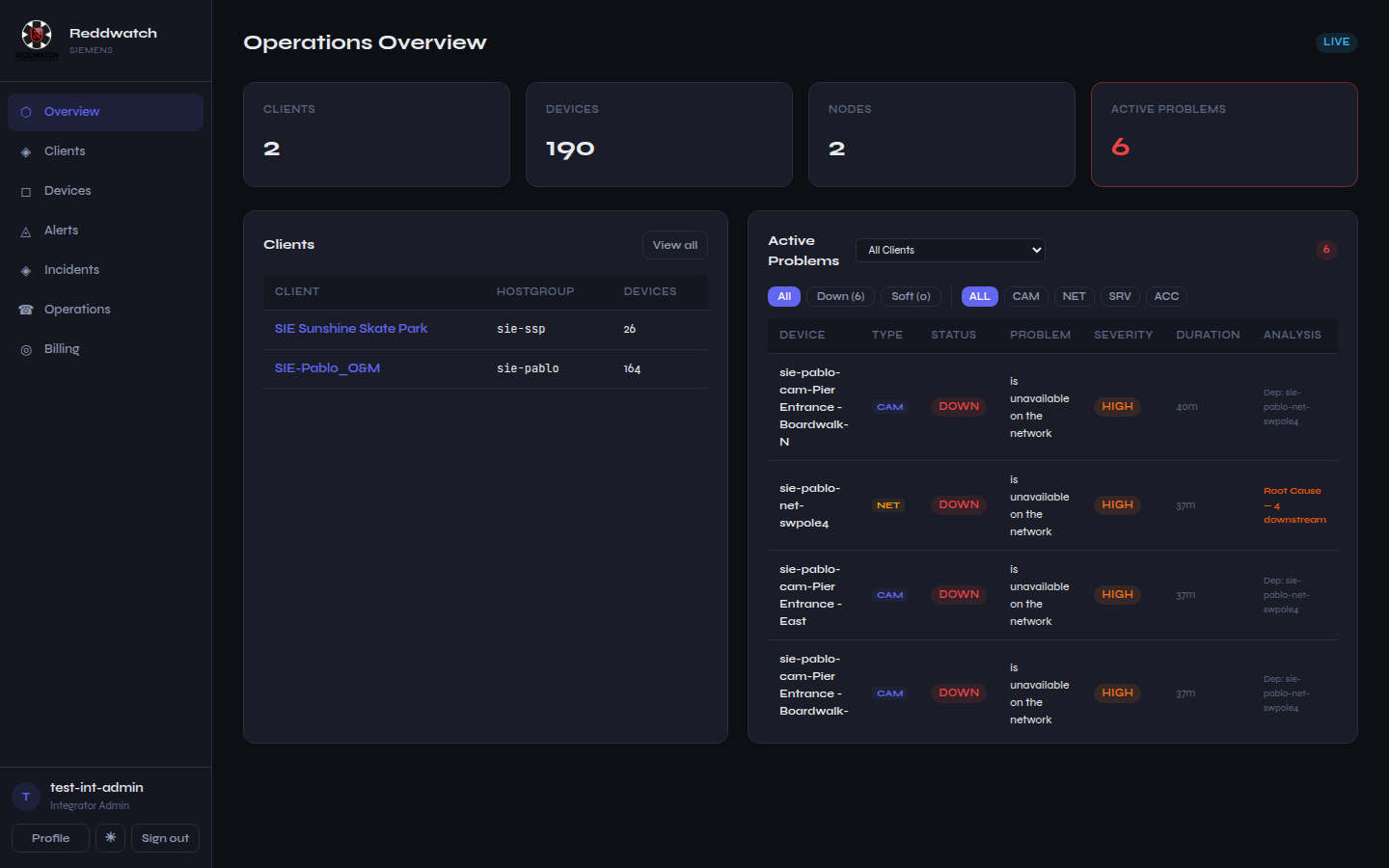 The integrator overview: your clients and their live state, nothing else.
Working a client
Each client has a dashboard: device fleet breakdown, active problems with root-cause labeling, device status with locations, monitored server services, network topology, the recent alert log, and camera frame captures.
Day-to-day flow:
- Clients → [client] → Dashboard — the one-screen health picture.
- Click any problem to open its detail: timeline, affected host, and acknowledgment.
- Generate Report produces the branded PDF for any period — daily for shift handoff, monthly for the client meeting.
Alerts
The Alerts page is your triage surface — live problems, the alert log, and suppression rules.
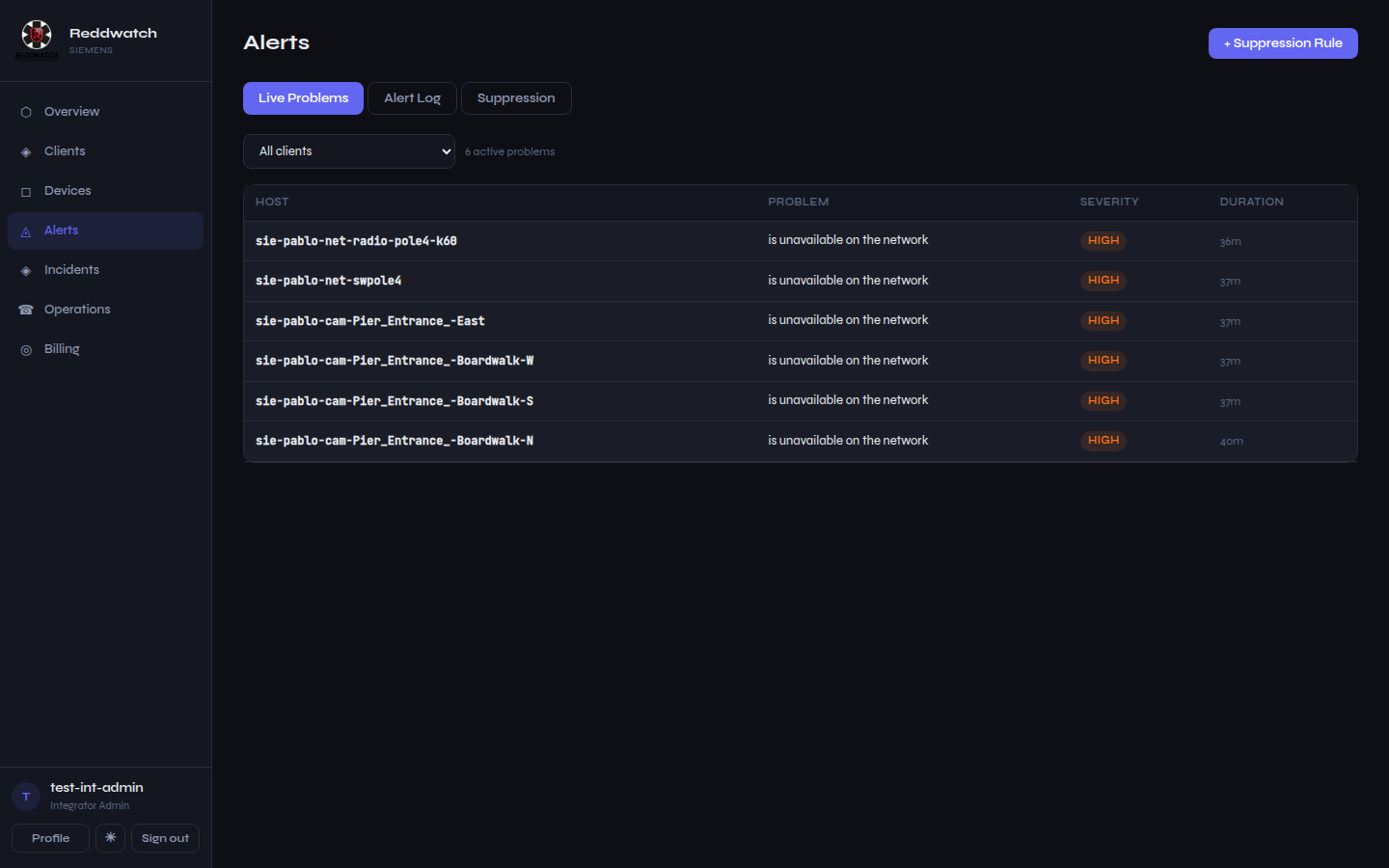 Live problems across your clients. NETWORK vs SOFT vs SITE OFFLINE badges
tell you what kind of failure you're looking at before you click.
Live problems across your clients. NETWORK vs SOFT vs SITE OFFLINE badges
tell you what kind of failure you're looking at before you click.
What the platform already did for you before the page rendered:
- Root-cause collapse — a failed uplink shows as one alert with the downstream count; the dependent devices are suppressed, not lost.
- Storm protection — email/SMS floods are capped with a digest.
- Escalation — unacknowledged criticals climb your on-call chain (Operations → On-call to set the rotation).
Your team
Users lets you add operators — they get the same visibility with triage-only permissions (acknowledge, view, report; no configuration). Give every human their own login; audit history is per-user.
Onboarding a new site
- Order/prepare a node (factory provisioning).
- Installer plugs it in (on-site provisioning).
- Devices appear via discovery — classify anything ambiguous, set locations, and wire the topology (which cameras hang off which switch/radio) so root-cause works from day one.
- Set camera reference frames once the views are final.
- Confirm alert routing (who gets email/SMS, on-call order, quiet rules).
That's the whole loop — everything after the physical install is portal work you can do from your desk.